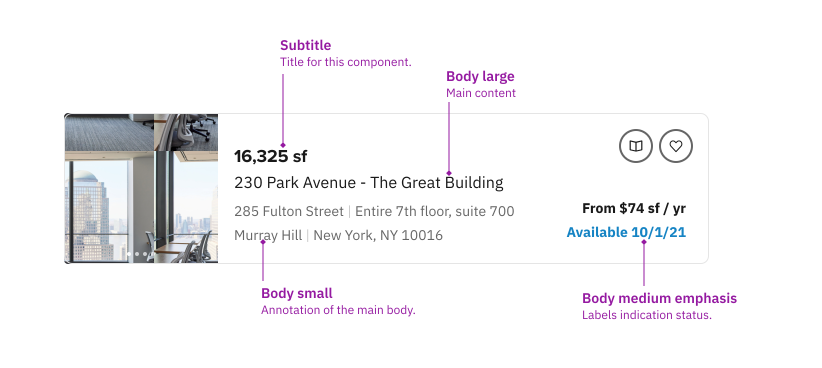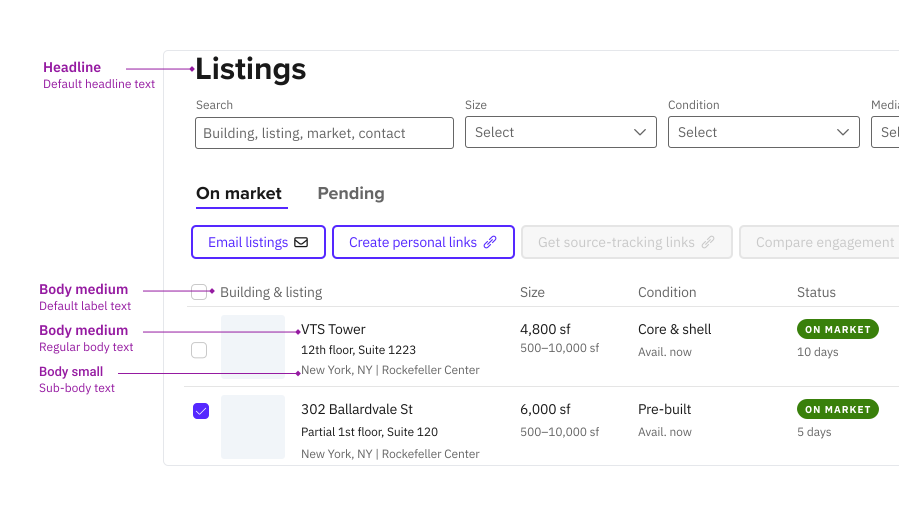
Typography
The typography system establishes a coherent information hierarchy with assured legibility, contrast, and identity across the platform. The type system is for all the products and marketing web pages.
Guidelines
Letter case
Use Sentence case for all the content and components.
Only use all caps to emphasize a single word, like tabs in the navigation bar.
Hierarchy
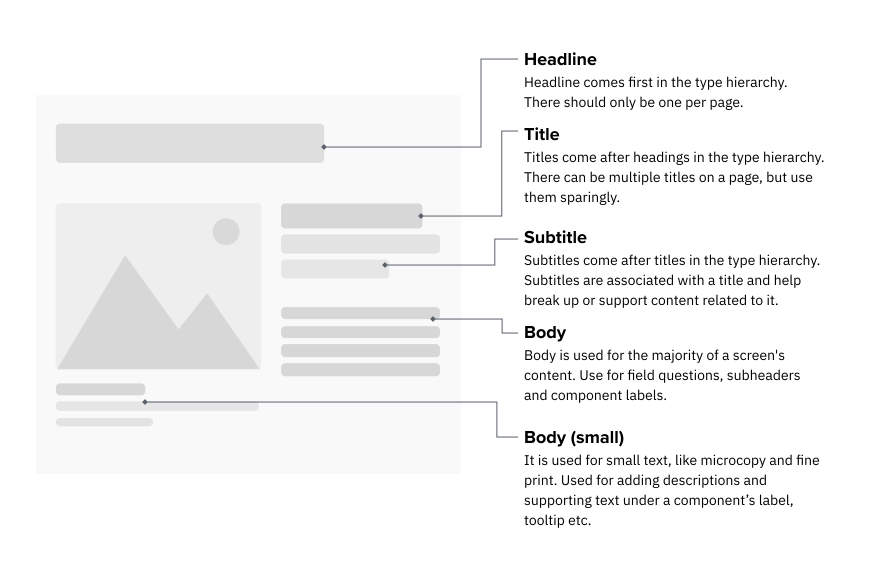
There are 4 hierarchy levels. Each level has style variants. Thus, our system is structural but flexible.
- Headline
- Title
- Subtitle
- Body
How to pick font style
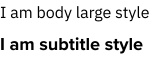
All the font style has semantic meanings to them.See the type system for details. Do not cross using fonts with different semantic meanings.
Don't

Follow the semantic usage.
Do
Don’t break the semantic usage rules and alter the structures.
How to pick font color
All the font colors are under the Text category. Follow the semantic usage of the color.See the type system for details.Do not apply color outside of the category.
Don't
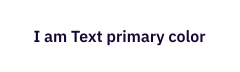
Use colors from text and icon category only.
Do

Don’t use color other than the text and icon catagory.
Use cases
When choosing the font style, think about the information hierarchy of the content — leveraging the semantic meanings to establish information order and importance.